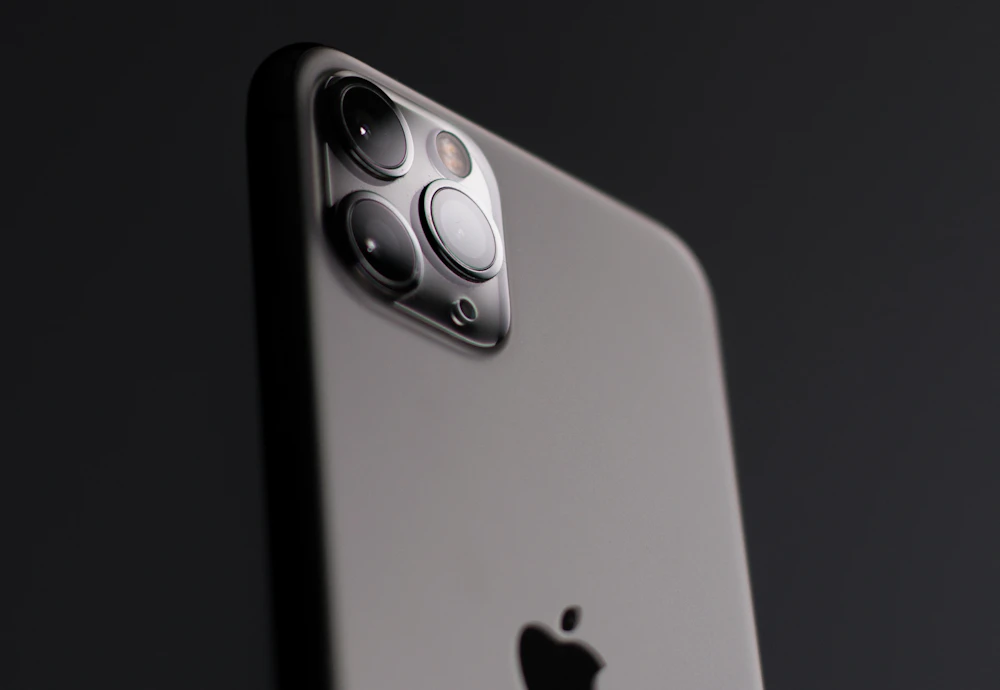
Our recommendation
Apple iPhone 17 Pro
A video-oriented iPhone. Start here if you already work with iPhone video and want to compare advanced capture options.
Read the trade-offAt a glance
| Rank | Pick | Best for |
|---|---|---|
| 1 | Apple iPhone 17 Pro | A video-oriented iPhone |
| 2 | Samsung Galaxy S25 Ultra | Framing distant subjects |
| 3 | Google Pixel 9 Pro | A compact alternative with a telephoto camera |
| 4 | Apple iPhone 16 | Everyday iPhone photos with a wider view available |
| 5 | Google Pixel 9a | Occasional photos on a lower budget |
What we compared
We started with the official camera configurations. Use them to narrow the shortlist, then compare full sample files or take your own photos in the same lighting.
Our editorial approachHow to choose
Take the same three scenes with every candidate, such as a moving subject indoors, a distant sign outdoors and a short walking video. Compare the original files at the size you normally view or share them. Keep the lighting and your distance consistent.
The 5 picks
Apple iPhone 17 Pro
A video-oriented iPhone
Pro camera system with separate wide, ultra-wide and telephoto views. Check Apple’s listed video formats before choosing storage.
Start here if you already work with iPhone video and want to compare advanced capture options.
Record a clip that includes a change of lighting and a short pan, then edit it the way you normally would. Check how easily the files transfer to your app and whether the additional capture formats balance their storage and editing costs.
What to checkSee the official sourceCheck which formats and frame rates you need and what they do to storage.
Samsung Galaxy S25 Ultra
Framing distant subjects
6.9-inch display. Samsung lists different telephoto options from the standard S25.
Pick Galaxy S25 Ultra as a candidate for longer framing. Compare sample images at the exact zoom levels you expect to use.
Photograph the same distant subject at the zoom levels you would use from a seat or pavement. Review text, edges and detail on the full file in both daylight and shade. Try steadying the phone the way you would at an event.
What to checkSee the official sourceIts larger body may be less comfortable for one-handed shooting.
Google Pixel 9 Pro
A compact alternative with a telephoto camera
6.3-inch display. The rear camera set includes a separate telephoto lens.
Shortlist Pixel 9 Pro if you want more focal-length options in a body smaller than the largest flagships.
Take an indoor picture of someone turning or walking, followed by a portrait in the same room. Inspect the eyes and hair at normal sharing size. These two scenes show whether the additional framing options matter more to you than motion handling.
What to checkSee the official sourceCompare moving-subject results in your own indoor light.
Apple iPhone 16
Everyday iPhone photos with a wider view available
6.1-inch display, 170 g, wide and ultra-wide rear framing, and MagSafe charging.
Choose iPhone 16 if you want both normal and wider framing without buying the Pro model.
Use standard and wide framing from the same spot in a typical room. Check faces near the edges of the wide shot and compare noise in dark areas. If you normally send pictures in a group chat, review a shared copy too.
What to checkSee the official sourceIf you frequently shoot distant details, add a telephoto model to your shortlist.
Google Pixel 9a
Occasional photos on a lower budget
6.3-inch display. Google lists seven years of OS, security and Pixel Drop updates.
Pick Pixel 9a if you take general snaps and rarely need longer framing. Test skin tones and moving subjects before paying extra for a Pro.
Photograph an everyday subject at your normal distance, then crop the shot as much as you would for posting. If the crop loses detail you care about, take the same shot on Pixel 9 Pro to judge whether the telephoto is worth paying for.
What to checkSee the official sourceIt lacks the separate telephoto option of the Pixel 9 Pro.